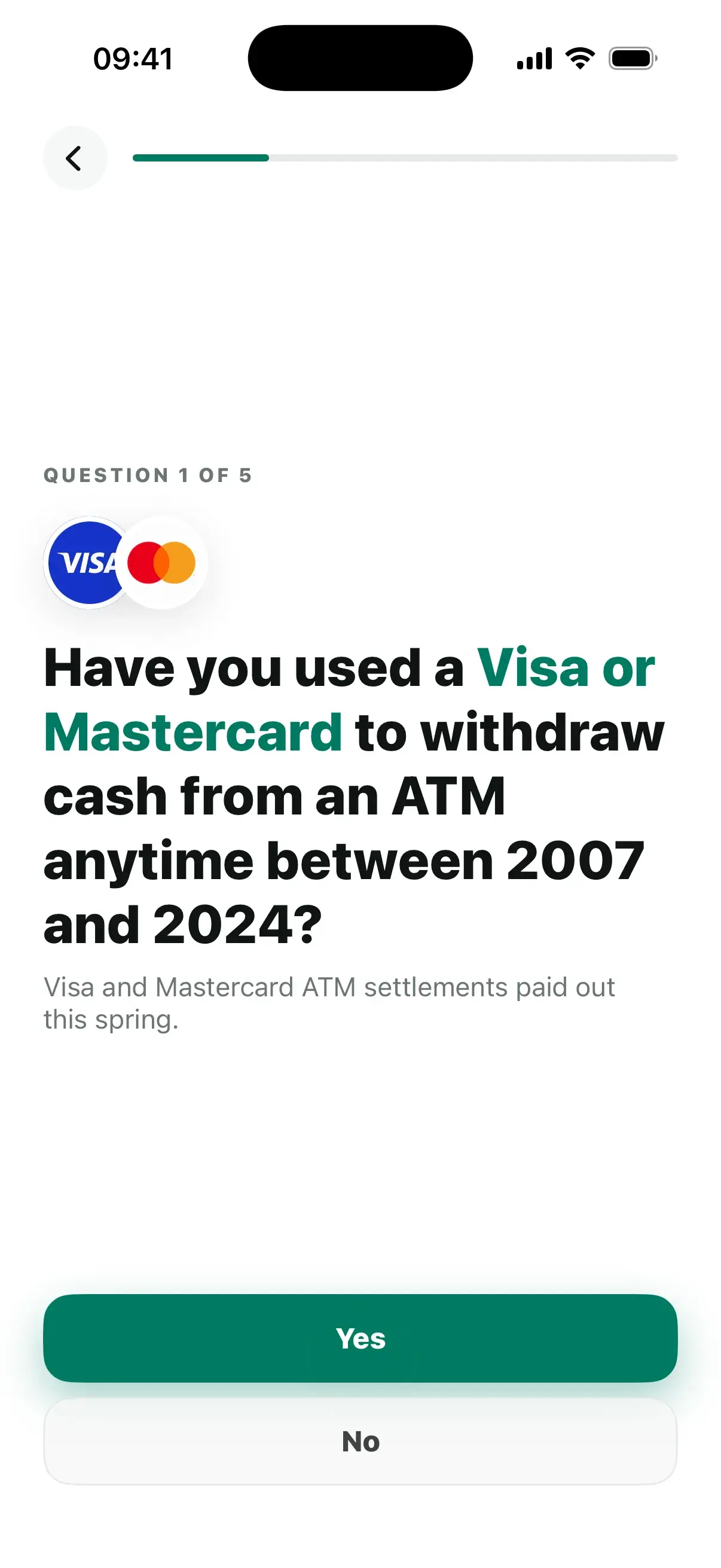
01Match
Tell us what you have used.
Answer 5 quick questions about products, apps, subscriptions, and services you recognize.
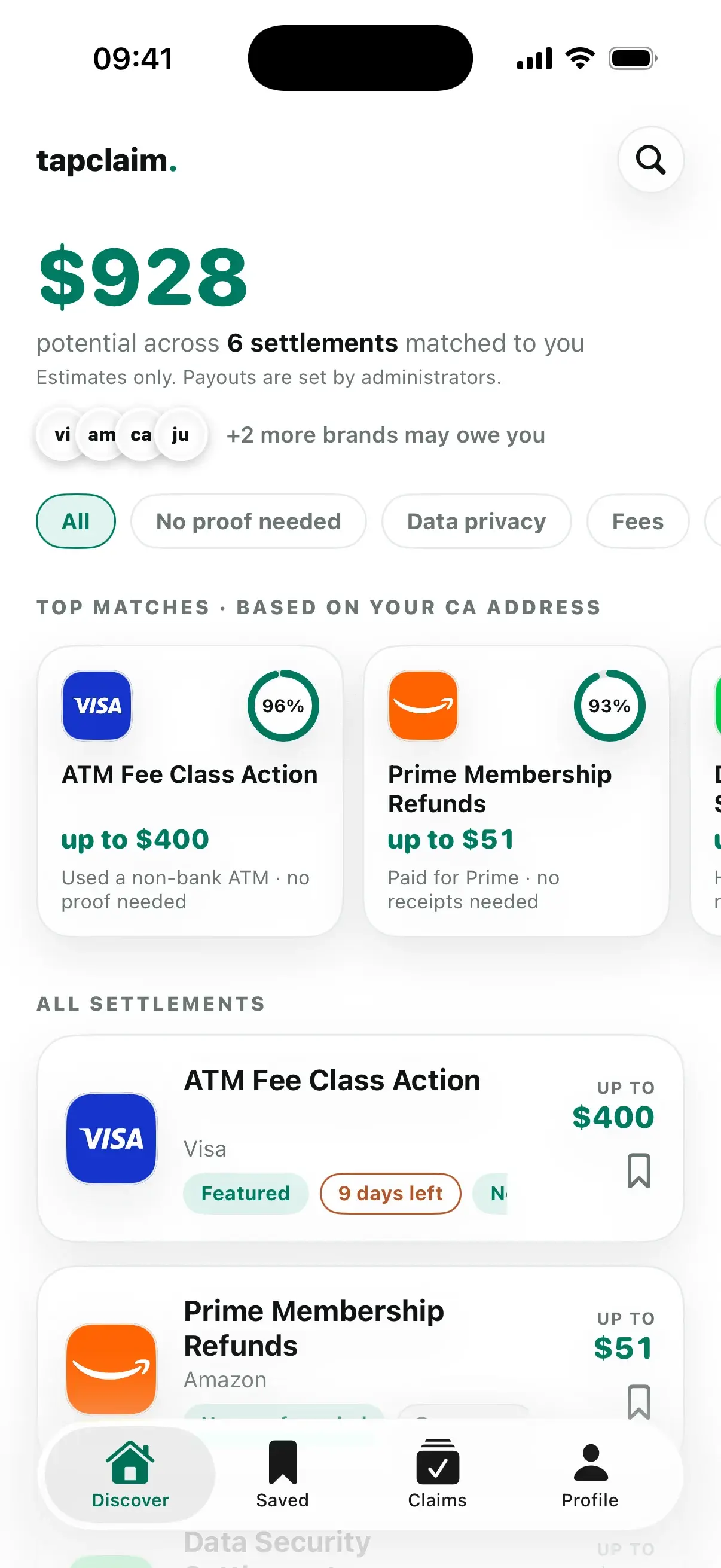
Class Action Settlement App
Answer 5 quick questions. See likely matches, file claims in the app, and track every outcome.
How It Works
01Match
Answer 5 quick questions about products, apps, subscriptions, and services you recognize.
02File
Review eligibility, deadlines, proof, and potential payment, then submit your claim in the app.
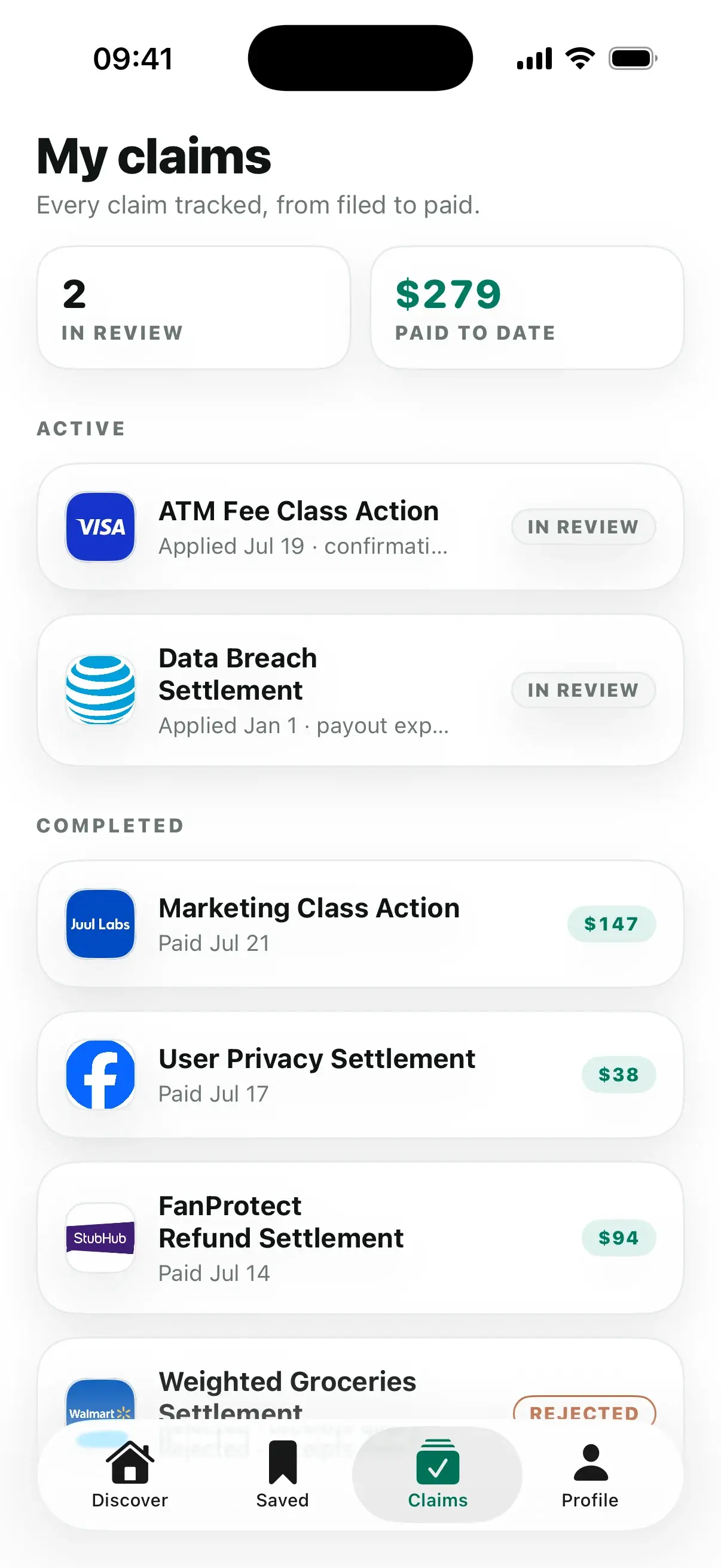
03Track
Keep each filed claim organized from Applied to Paid or Rejected.
Class Action Settlements

Ozempic
An investigation is looking into reports that GLP-1 weight loss drugs like Ozempic and Wegovy may be linked to a rare condition…

Tyson
Shoppers who indirectly bought raw pork or bacon at grocery stores between June 28, 2014 and June 30, 2018 may be able to file a…

CVS
CVS visitors and app users before July 27, 2026 may be able to file a claim for a cash payment under a proposed $20.5 million…
Questions
Tell us about products, apps, subscriptions, and services you have used. TapClaim compares 5 answers with open claims and shows likely matches first.
No. TapClaim shortens the search. The official claim terms determine whether you qualify.
Yes. Review the claim requirements, submit your application in TapClaim, and keep the filed claim organized in the app.
After filing in TapClaim, keep each claim organized from Applied to Paid or Rejected.